

 Home
Home“I have faced a backup problem in my Galaxy Note 2 as all the downloaded data, recorded videos and pictures are stored in the internal memory and I cannot transfer these to the external memory for backup. If possible please share a way to transfer my videos and pictures to the external micro SD card as the target memory for Samsung Galaxy Note 2.”
The Samsung Galaxy Note II ships in three versions – 16GB, 32GB, and 64 GB ones. Normally it would be enough to store your data including music songs, movies and images. While it would get more and more crowded on your Galaxy Note II due as time goes by, receiving sent videos and pictures, recording video clips, downloading music… which not only hardly locates the file you are looking for, but also gently slows down the mobile phone. With memory expandable via up to 64GB microSD cards prepared for Galaxy Note II, you could move files from internal memory to external MicroSD card and leave more space for phone processor.
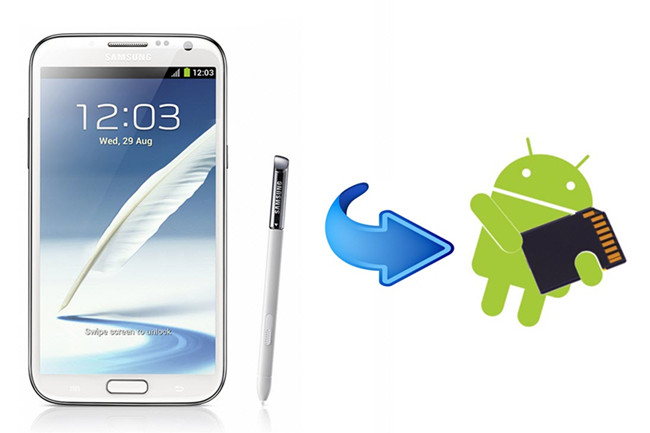
Transfer video/photo/data from Samsung Galaxy Note II to external storage media
To transfer files, pictures and videos from the internal storage to SD card, follow these steps:
1. Get a Micro SD card with plenty free space and insert it into your Galaxy Note II.
2. Download and install a file browser app like ASTRO File Manager or ES File Explorer from play store, something that will work.
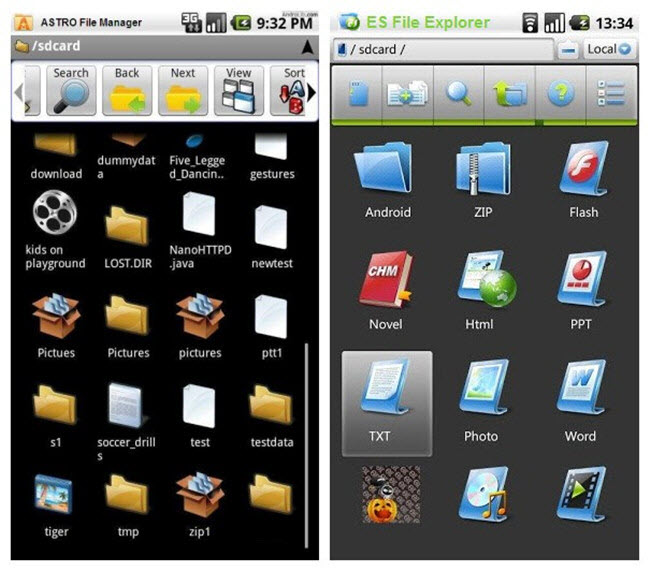
3. Open the app to navigate your internal memory storage and search for the files you want to move/transfer to external SD card.
4. On the file browser you use, go into settings and set the download path to ext. storage for future downloads. Do the same for your camera app, save to ext storage in settings.
Tip 1: Above method only works when you transfer or move pictures, videos and data files from Galaxy Note II internal storage to Micro SD card, and there's a very good chance you might not be able to move apps. Because of the way they mount SD cards, many Android manufacturers won't let you run apps from the SD card including Samsung.
To move your Apps to SD card, you need an APP 2 SD software. Install this tool and it will guide you step-by-step about how to transfer Apps to SD card. It is easy and simple.
Tip 2: If you’d like to copy and paste videos that are large then 4GB to Micro SD card, let’s say it cannot be done because Android devices like Samsung Galaxy Note II uses FAT32 card which limits a single file size less than 4GB. You need split the big file into smaller segments under 4GB.
More guides related to Samsung mobile phones and tablets:
How to play AVI/MKV/MTS/TiVo on Galaxy Note II?
How to put videos to Android Smartphones via USB connection?
Transfer video files from PC to Samsung Galaxy Tab with Kies
 Free Trial Video Converter Ultimate

Useful Tips
- Convert/Transfer Videos to Samsung Galaxy Tab for Playback
- Samsung Galaxy Note 3 Review, Specs, and Video Playback Tips
- Transfer files from internal memory to SD card for Samsung Galaxy Note II
- Three ways to transfer videos/movies from PC/computer to Samsung Galaxy S3
- Download 1080p/720p MKV movies to Galaxy S4
- How to play Videos, Music and Movies on your Galaxy S3?




