Home
HomeBasic workflow of Blu-ray to Apple TV Converter
Pavtube Blu-ray to Apple TV Converter is an easy-to-use program, which just needs several clicks to complete the conversion. Find below a basic flow of Pavtube Blu-ray to Apple TV Converter:
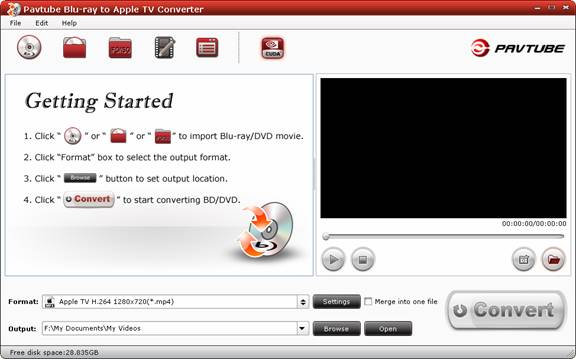
1. Import DVD/ Blu-ray Disc by clicking the icon, load BD/ DVD folder by clicking
 icon, and DVD ISO by
  icon.
icon.
2. Click on the "Format" bar and select the format you need.
3. Click the "Convert" button to start conversion.