Home
HomeGetting Started
Pavtube FLV/F4V Converter is an easy-to-use program, which just needs several clicks to complete the conversion.
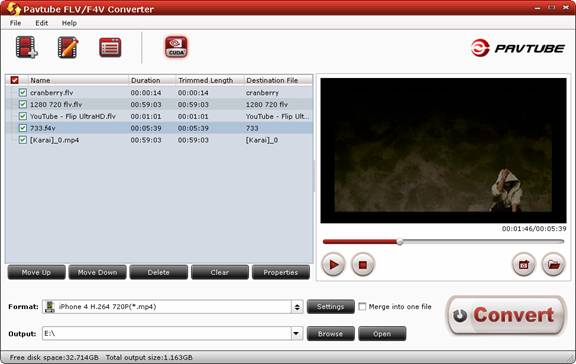
Basic steps for converting videos with Pavtube FLV/F4V Converter:
1. Import the files by clicking the “Add” button  or dragging and dropping files to the “Getting Started” area.
2. Click the “Edit” button  to adjust the videos for your requirement.
3. Select the format you need and specify the position in which you save your videos.
4. Click the "Convert" button to start conversion.
Import Video Files
When you start up Pavtube FLV/F4V Converter, the main interface pops up as below:
Load video files to the software using any of the three ways below:
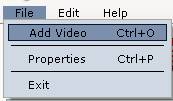
- Click “File” menu, and select “Add Video” to import source video files.
- Find “Add” icon
 in the toolbar and click it to import the files to the file list.
- Open the folder that contains source files, and drag and drop video, audio and image files to “Getting Started” area.
Supported video format: *.flv, *.f4v, *.mp4